The Your Next Tours guide app is live on iPhone and Android in 2026
Summarize with AI:ChatGPTClaudePerplexityGrokGoogle AI Mode
The Your Next Tours guide app is now available on both mobile stores: the App Store and Google Play. Whichever phone a tour guide already carries, it can become a live audio transmitter and let a walking group hear every word through their own earphones. No rented receivers, no headsets to collect at the end of the day.
What is the guide app, and what does it cost?
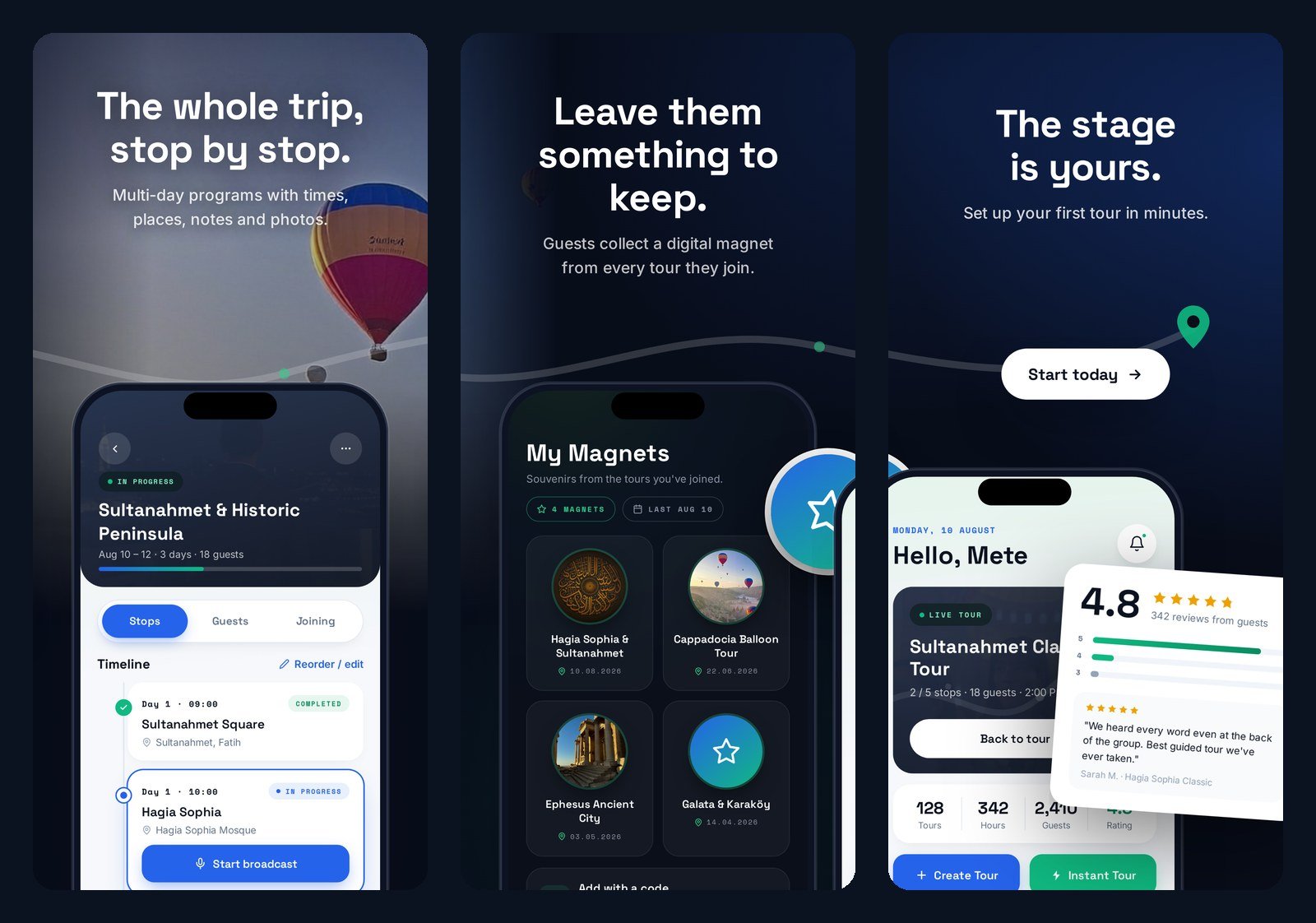
The guide app is the app a tour guide installs to broadcast a live tour. It is free to download on both stores, rated for all ages, and listed under Travel. Broadcasting requires a Premium subscription, purchased inside the app; live translation and remote listeners are part of it.
The guide app is the broadcasting half of Your Next Tours. Guests never install it. The web panel is the third piece, and it handles everything before and after a tour -- templates, itineraries, check-in forms, ratings, statistics -- but never the live broadcast itself.
| Guide app (iPhone / iPad) | Guide app (Android) | Guest | |
|---|---|---|---|
| Where to get it | App Store | Google Play | Nothing to install |
| Price to download | Free | Free | Free |
| Runs the live broadcast | Yes | Yes | No -- listens only |
| Needs an account | Yes | Yes | No |
| Needs the tour WiFi network | Yes | Yes | Yes, on an on-site tour |
How does a guide start a tour?
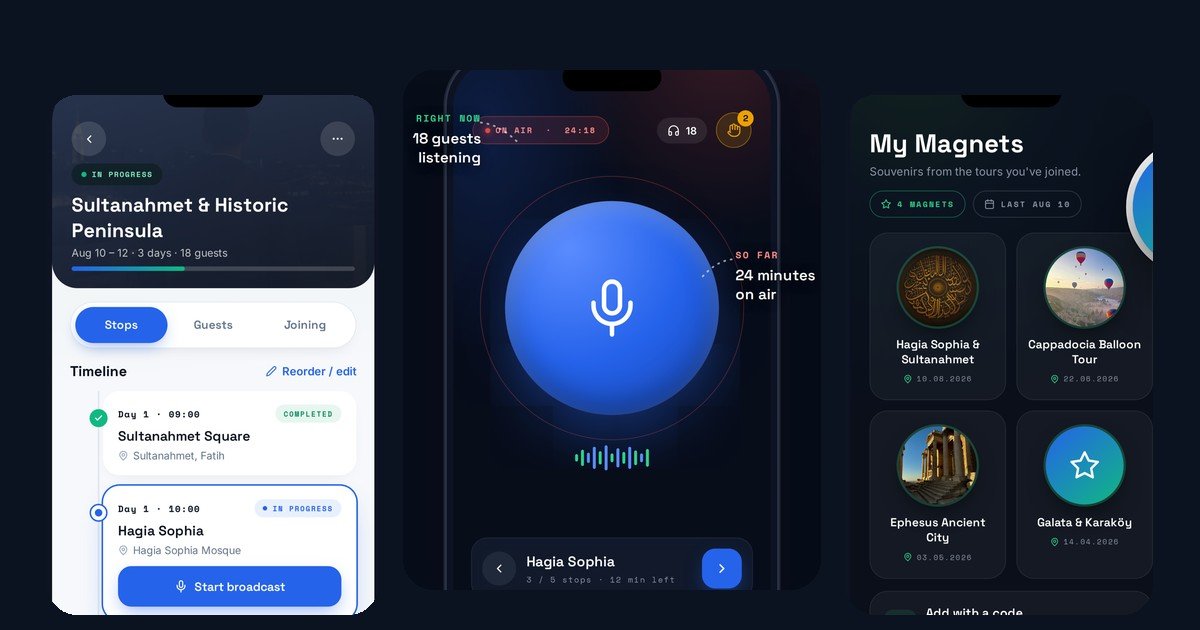
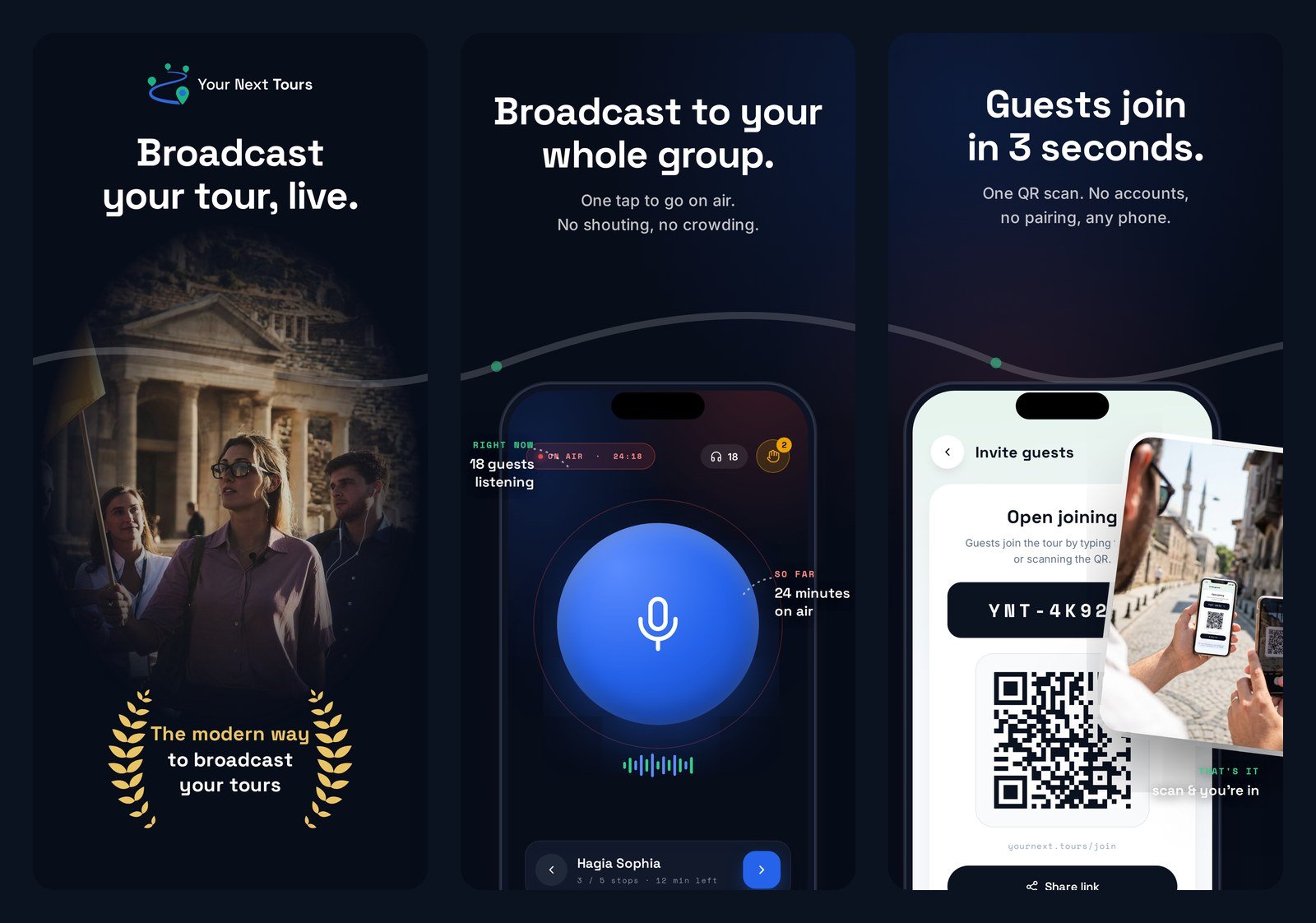
A guide starts a tour in three taps and one QR code, identically on either platform. The app goes on air, the screen shows a join code and a QR code, the group scans it, and the guide speaks. Everything after that -- listener count, connection status, raised hands -- is on the guide's screen while the tour runs.
- Install the guide app from the App Store or Google Play and sign in to your Your Next Tours account (the same account as the web panel).
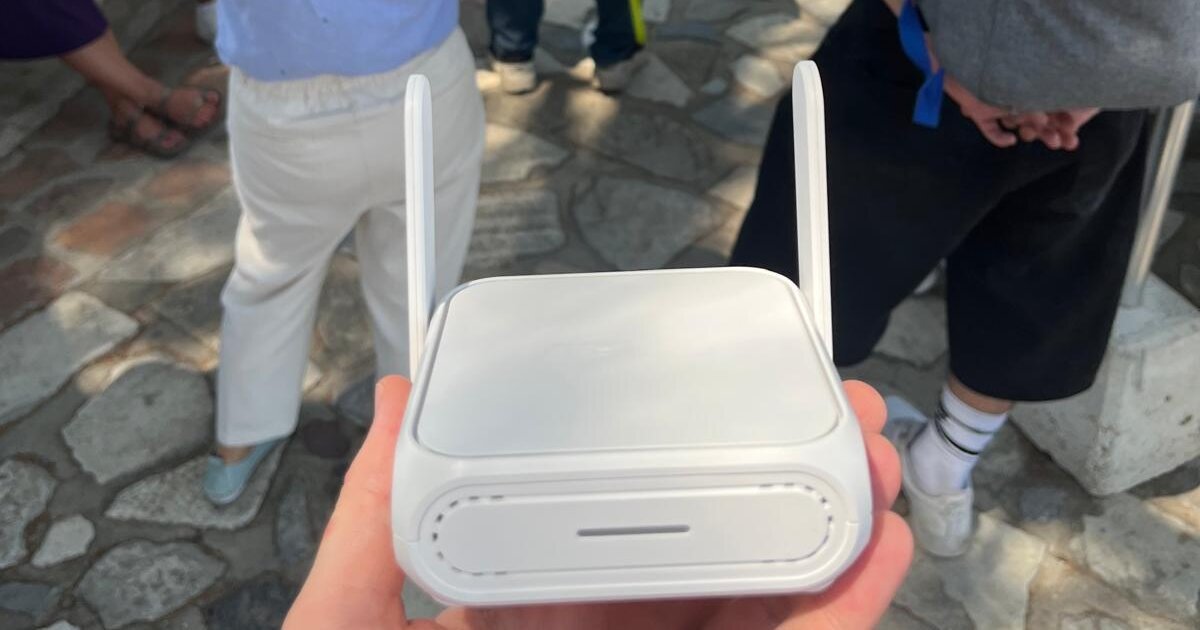
- Switch on the portable WiFi router you carry, and have the group join that network. On an online tour, skip this step.
- Open the tour and tap to go on air. The guide's phone becomes the broadcast source for the group.
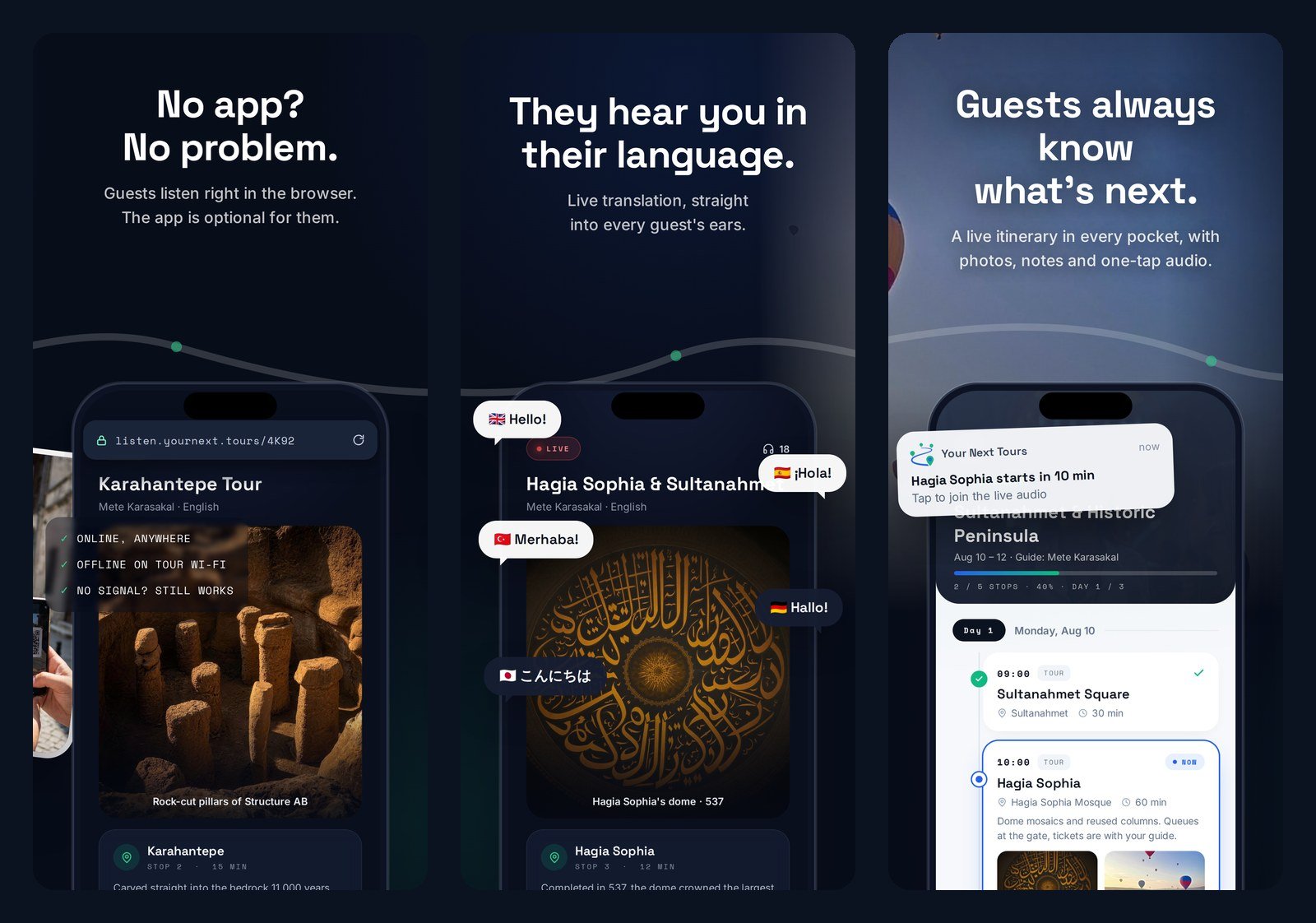
- Show the group the QR code on your screen, or read out the short join code. Guests scan it and the audio starts in their browser.
- Speak. Push slides and info cards when the story needs them, and watch for raised hands to answer out loud.
What do guests need to install?
Nothing. A guest has never needed the Your Next Tours app and still does not, on any platform. Guests scan the QR code the guide shows, and the live audio opens in the browser that came with their phone -- iPhone, Android, or anything else with a modern mobile browser.
That asymmetry is the point of the design. The guide is the one person who has to be equipped, and Your Next Tours equips that person on either mobile platform. The guide's phone and the guest's phone are completely independent of each other.
Does the tour still work without internet?
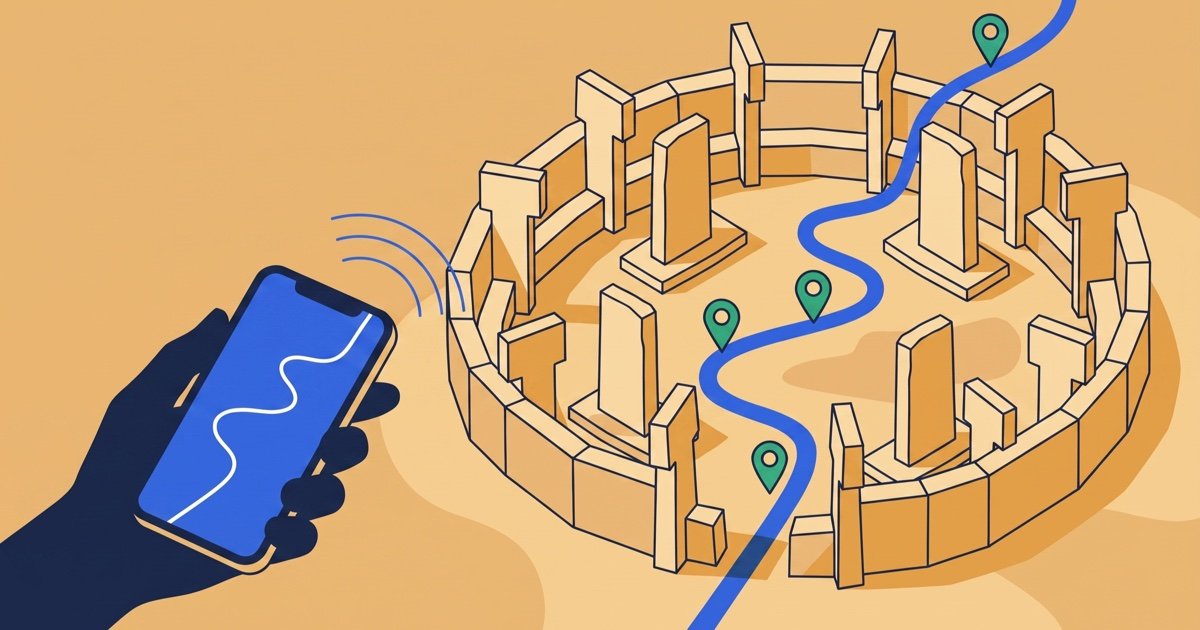
Yes. During an on-site tour, the guide's phone runs as a server on a local WiFi network created by a small portable router the guide carries. The audio never leaves that network, so it does not depend on cellular coverage. This is what makes an underground cistern or an open-air excavation work at all.
Two features are the deliberate exceptions, and both are opt-in per tour. Live translation sends the guide's own voice out to be translated in real time, and remote listening lets people who are not with the group join over the internet. Participant microphones are never used for either one.
We ran the offline path across a full field season before publishing on both stores. The Göbeklitepe and Karahantepe field test is the write-up of a 40-person open-air tour with no rented receivers, and the Aegean coast field test covers three days of mixed online and offline broadcasting.
Which phones can run the guide app?
On Apple devices the app requires iOS 15.1 or later, and it is a universal app, so the same download runs on iPhone and iPad. iOS 15 shipped in 2021, which means an iPhone bought in the last several years is supported without an upgrade. On Android, the Google Play listing states the requirement for your specific device before you install.
One practical note that has nothing to do with the platform: a live broadcast is a long-running task that keeps the screen and the radio busy. Guides who run back-to-back tours should carry a power bank, the same as they would with any rented transmitter.
Frequently asked questions
Do I need a separate subscription for each platform?
Can guests use iPhones if the guide is on Android, or the other way round?
How many languages does live translation cover?
Are the paid features the same on both stores?
What happens if a guest's connection drops mid-tour?
Can participants talk back through the system?
Start your first tour free
You already carry the hardware: your phone. Create a free account, install the guide app from the App Store or Google Play, and run a tour without renting a single receiver. See what a phone-based system replaces on the alternative to rented tour guide systems page, or compare plans on pricing.