
Your phone is the tour audio system
Install the app, start a tour and talk. Everyone on the tour hears you on their own phone, through their own earphones. Your guests install nothing.


Free to download · iPhone, iPad and Android


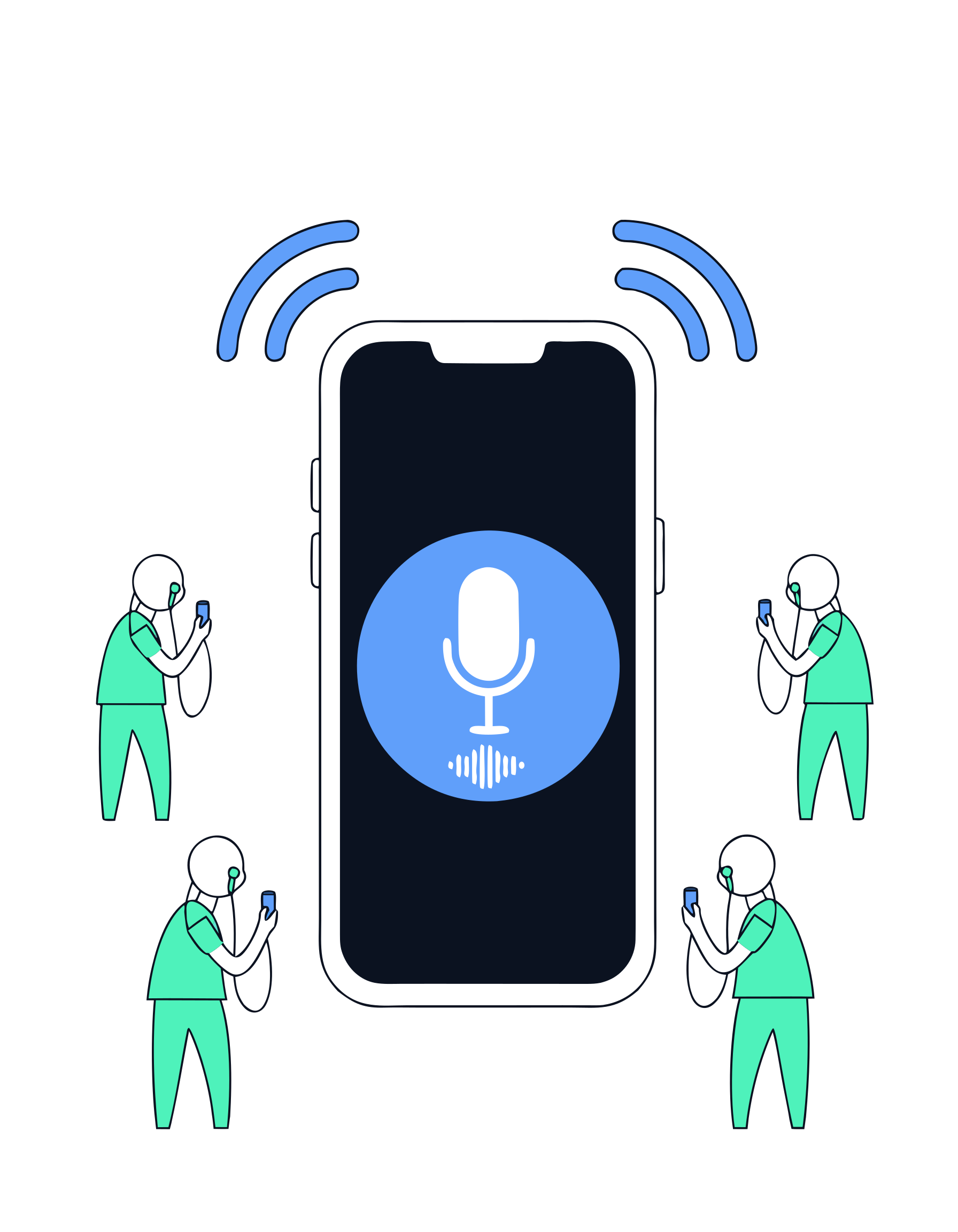
Who installs what
This is the part most audio systems get wrong, so it is worth being blunt about it.
Installs the app
You need the app, because your phone does the work: it captures your voice, runs the broadcast and hands out the join code. One install, then it is yours for every tour.
Install nothing
They scan a QR code you show them and the listening page opens in their browser. No download, no account, no password. A guest who prefers the app can use it, but nobody has to.
What the app does on a tour
Six things you will use on your first day out.
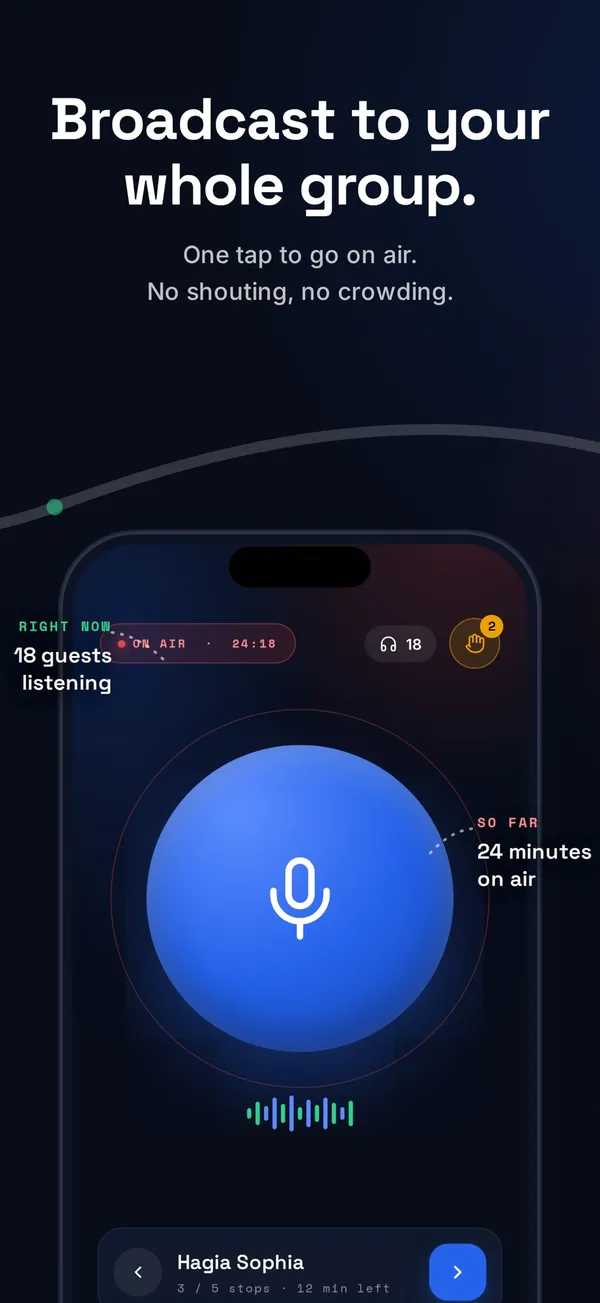
Go on air with one tap
Start the broadcast and see how many people are listening, how long you have been on air and who raised a hand.
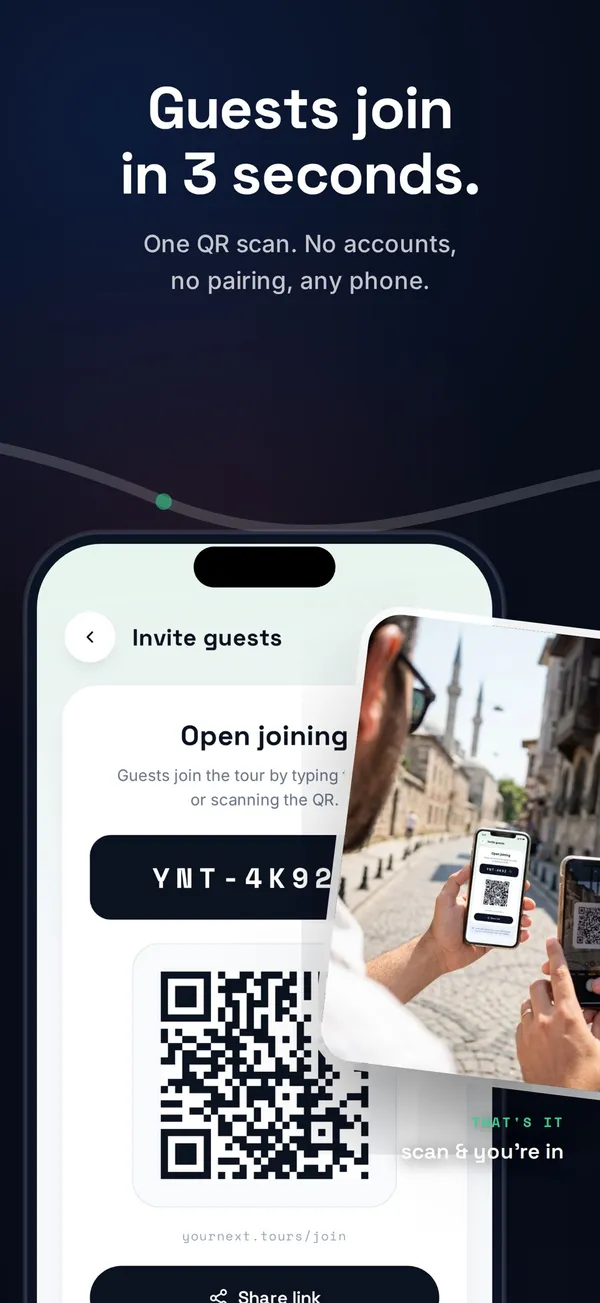
Guests join with a QR code
Show the code on your screen. Guests scan it with the camera they already have and they are in the broadcast.
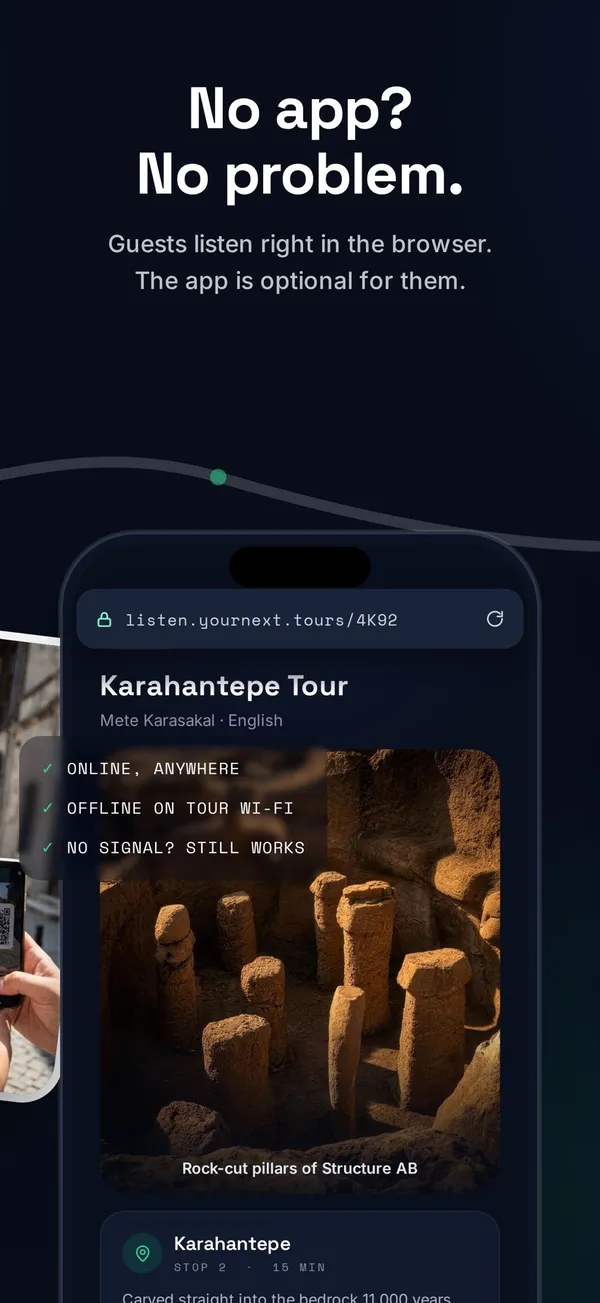
They listen in the browser
The listening page opens in any modern mobile browser, so a group joins in seconds instead of queueing for receivers.
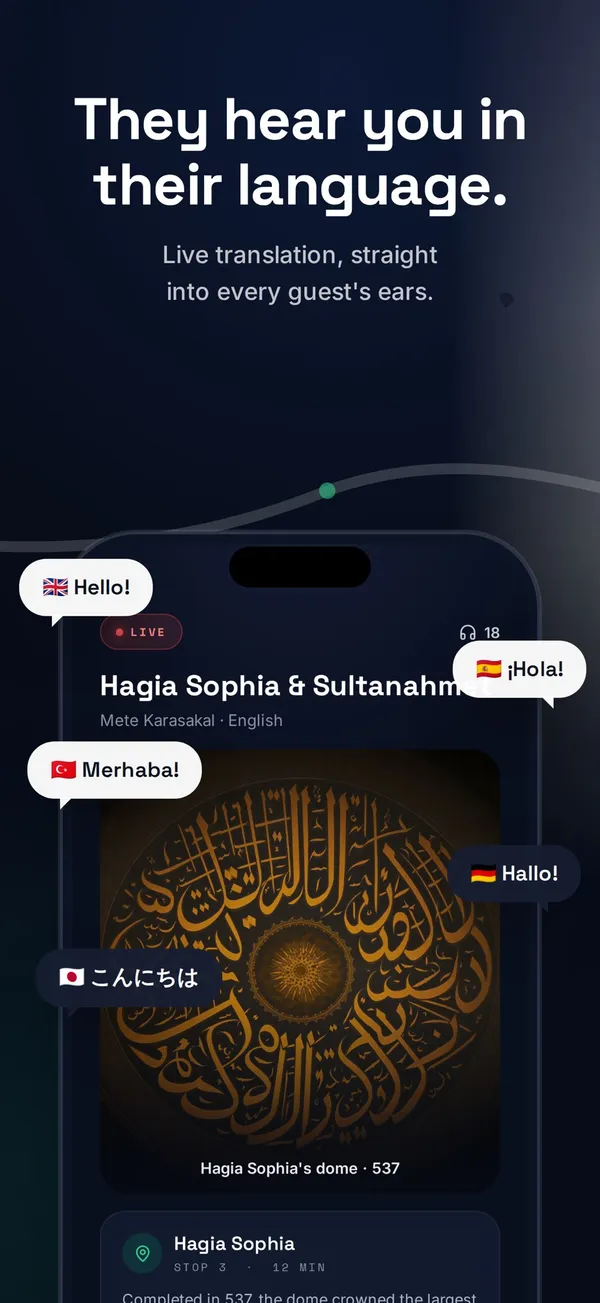
Live translation
When the group does not share one language, your speech is translated as you talk and each guest picks the language they want.
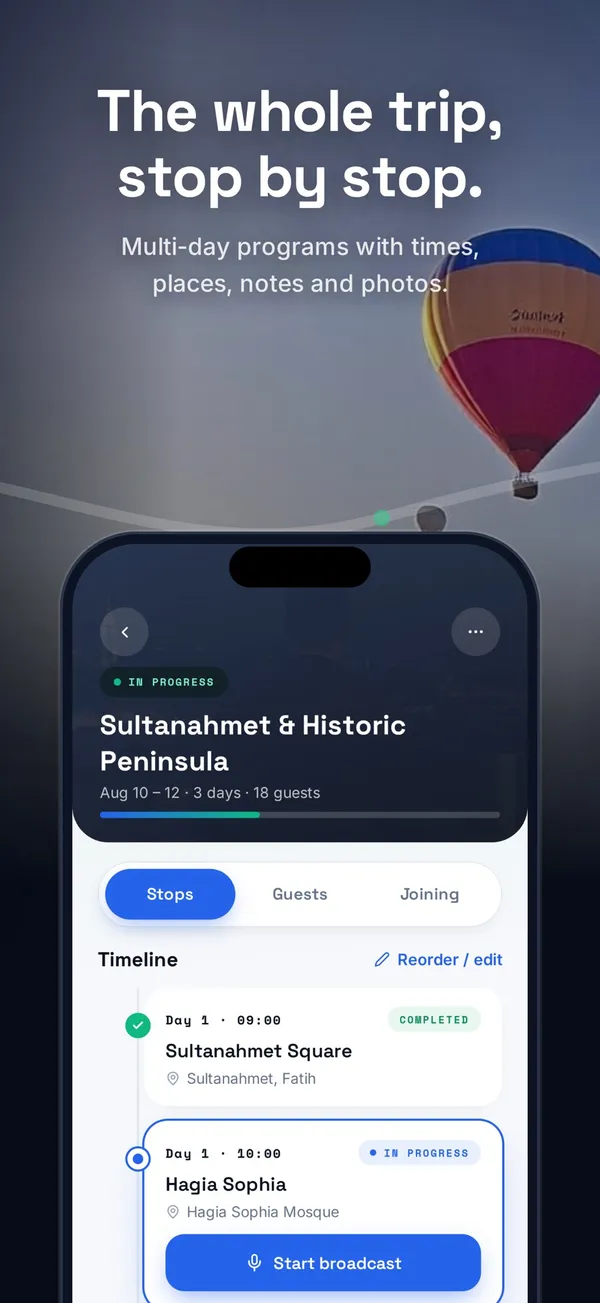
Your itinerary, stop by stop
Keep the plan with you: stops, timings and the notes you wrote before the tour, in the order you walk them.
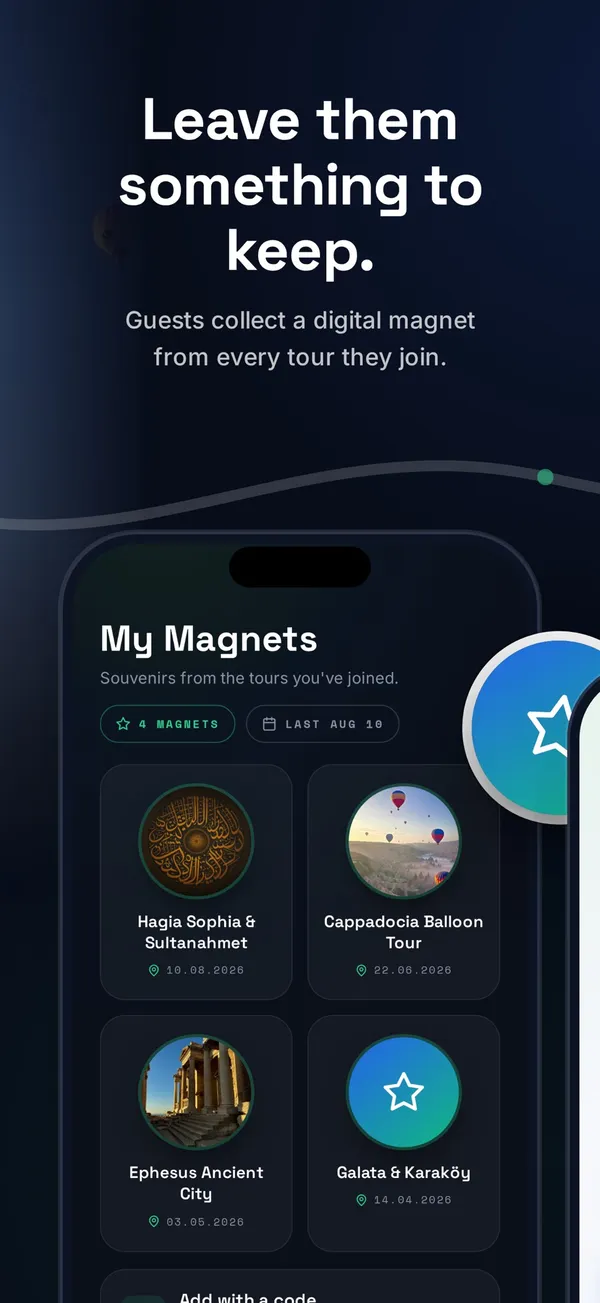
A keepsake at the end
Guests can claim a digital collectible from the tour, which is a better way to be remembered than a paper flyer.
From install to live in three steps
Install the app
Free on the App Store and Google Play. On a computer right now? Scan the QR code above with your phone.
Create your account
Sign up in the app or on the web. Your tours, itineraries and settings follow you between the two.
Start the tour
Open the tour, show the QR code and start talking. Guests are listening within seconds.
What you need
Short list. You almost certainly have all of it already.
- iPhone or iPad
- One universal app covers both.
- Android phone
- Any current Android phone.
- For your guests
- Any modern mobile browser and a pair of earphones. Nothing to install.
- For tours on a local network
- A pocket travel router, so the tour keeps working where mobile data does not reach.
Online and local network, on the same tour
Online mode sends your audio over the internet, so a guest can listen without standing next to the group. Local network mode runs on a WiFi network from a portable router, so a site with no coverage stops being a problem. You choose per tour.
Questions about the app
Is the app free?
Yes, downloading and using the app is free. Paid plans add premium features such as more simultaneous listeners and live translation, and you can see them on the pricing page.
Do my guests have to download it?
No. Guests scan a QR code and listen in their phone browser, with no account and no install. The app is only required for you, the guide, because your phone runs the broadcast.
Does it work without an internet connection?
Yes, in local network mode. Your phone broadcasts over a local WiFi network created by a portable travel router, so the audio never needs mobile data. That is what makes excavation sites and national parks workable.
Which devices does it run on?
iPhone, iPad and Android phones. The iOS app is universal, so a single download covers both iPhone and iPad. If your phone runs a version that is too old, the store will tell you before you install.
Do I need an account before I can try it?
You need an account to run a tour, and you can create one inside the app or on the web. The same account carries your tours, itineraries and settings across both.
Install it before your next tour
Take it out on a real group and see how long it takes them to join. That is the only test that matters.