
Ten minutes before the tour: the checklist that saves the first stop
Summarize with AI:ChatGPTClaudePerplexityGrokGoogle AI Mode
The first stop of a tour is the most expensive place to do setup. People are fresh, attentive and standing still, and that is exactly when you want to be narrating rather than reading out a WiFi password.
Ten minutes of preparation moves all of it earlier. Here is what fits in them.
What should already be done the night before?
Two things, and both live in the web panel rather than on your phone.
| Prepared in advance | Why it matters at the meeting point |
|---|---|
| Router profile saved | Network name and password are ready, not looked up |
| Template chosen, slides in order | No scrolling through a list in front of the group |
| Check-in form sent | Answers arrive before the day, not at the door |
| Router and power bank charged | No socket at the site, and none needed |
| One test broadcast run at home | Failures happen in your kitchen, not the car park |
What does the ten-minute routine look like?
In order, and none of it depends on the group having arrived yet.
- Switch on the portable router and confirm the network is up.
- Open the app and select the tour template you prepared.
- Check the slides and info cards are the ones you want, in the order you want.
- Turn on the microphone and confirm the broadcast is live.
- Have the QR code and the short join code visible before the first person asks.
Why send a check-in form before the day?
Because the answers you need are the ones that change what you carry. Group size that shifted, someone who cannot manage stairs, a participant who will arrive late at the second stop.
A check-in form goes out as a link and participants answer from their own phone, so the responses are sitting in your panel before the group gathers. Finding out at the meeting point is finding out too late to do anything about it.
What is worth testing at home?
The whole chain, once, with a second phone. Router on, app open, broadcast started, second phone scans the code and hears you. It takes two minutes and it catches the two failures that are painful in the field: a router that did not keep its settings, and a template that is not the one you thought you selected.
Everything else can be handled on the day. Those two cannot, because both need a screen and a calm minute you will not have at the meeting point.
Frequently asked questions
What should a guide prepare before a tour?
How long does the pre-tour routine take?
Why does the router profile matter?
What does a check-in form do?
What is the most useful thing to test at home?
Spend the first stop guiding
Everything above exists so the first stop is narration rather than setup. The joining sequence covers what the group does from their side.
Related articles
 GuidesOnline or offline broadcast: which mode to use and when
 GuidesPortable WiFi router setup for tour groups: what to carry and how to run it
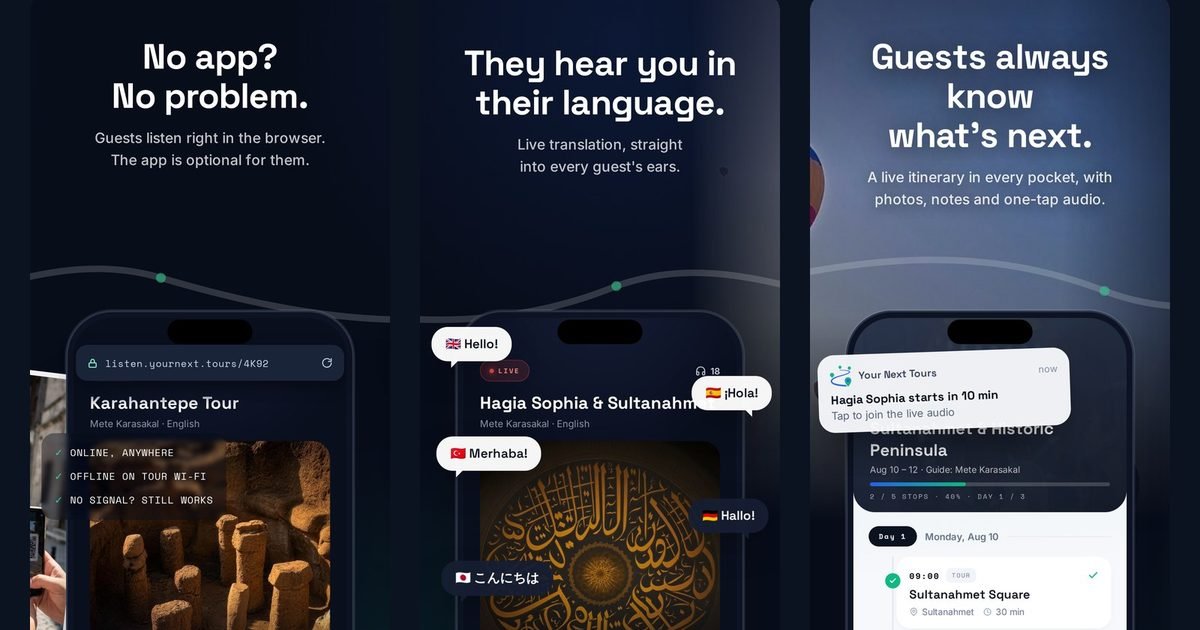 GuidesHow participants join your tour by scanning a QR code
 GuidesQuiet guiding in China and Japan: loudspeaker bans from the Forbidden City to Kyoto's temples (2026)
 GuidesHow long should a group spend at an archaeological site?
 GuidesUS walking tour rules on loudspeakers and group size: Savannah, Charleston, New Orleans and Salem (2026)