
Portable WiFi router setup for tour groups: what to carry and how to run it

Summarize with AI:ChatGPTClaudePerplexityGrokGoogle AI Mode
In a phone-based tour audio system the guide's phone runs the server and participants listen over a local WiFi network. That network comes from a small portable router the guide carries, and it is the only piece of extra equipment in the system.
Any portable WiFi router can create it. What follows is what we actually carried, what to check when buying, and the part that matters more than the specification: where the router sits during the tour.
What did we carry in the field?
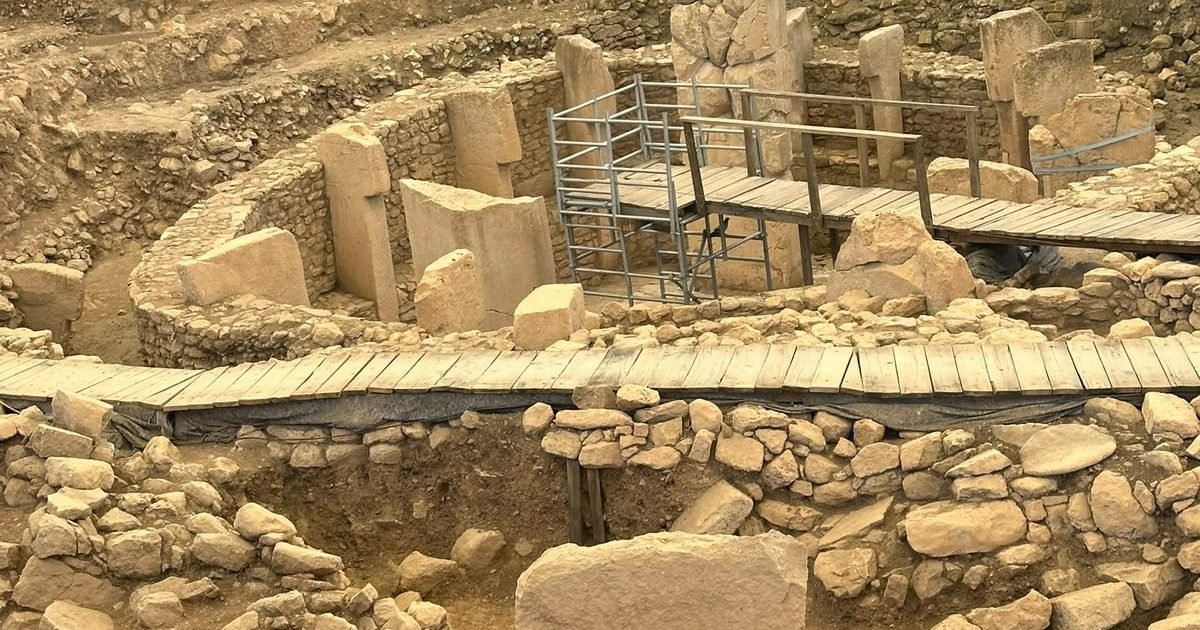
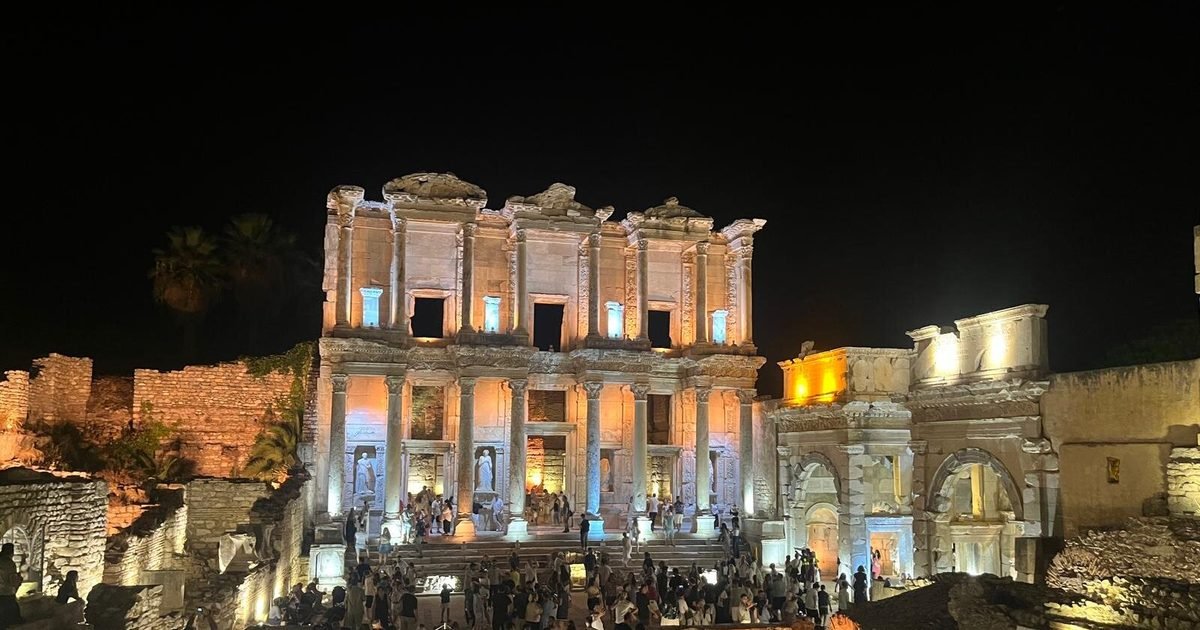
On a three-day tour along the Aegean coast the team carried one Asus RT-BE58 GO, a WiFi 7 BE3600 dual-band mini travel router, running on a power bank. Coverage held at every archaeological site the group visited, including areas where the group spread out along the ruins.
With a sufficient power bank that router stays up for more than 20 hours, which means a full field day never depends on finding a socket. That is the specification that matters most on a tour: not throughput, but whether it survives the day in a bag.
What should you look for when buying one?
Five things, roughly in order of how much they affect a tour day.
| What to check | Why it matters on a tour |
|---|---|
| Runs from a power bank | No socket at an archaeological site |
| Battery or power-bank endurance | Must outlast the longest field day |
| Client capacity | This is your real ceiling, not the app |
| Size and weight | It lives in a bag on your shoulder all day |
| Simple, stable network naming | The group joins by name; it should not change |
How do you set it up before departure?
Do this at home, not in the car park with forty people watching.
- Charge the router and the power bank fully the night before.
- Fix the network name and password, and keep them the same across tours.
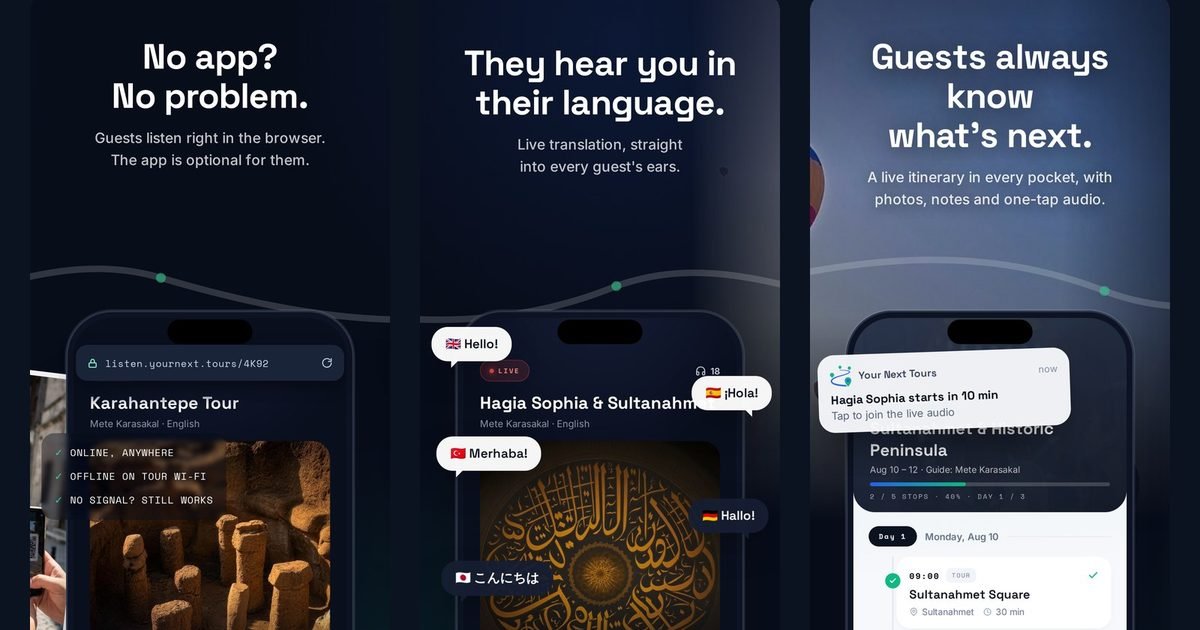
- Save the router profile in the Your Next Tours web panel so the details are ready when the group gathers.
- Test the whole chain once at home: router on, broadcast started, one phone joined.
- Pack the router where you can reach it without unpacking the bag.
Where should the router be during the tour?
With the group, high, and moving. This matters more than which router you bought.
A travel router in a bag beside the guide beats a stronger one left at the entrance, because a local network has limits and walls and rock are unkind to it. On open sites the practical failure is people wandering to the edge of range and coming back; on underground or covered sites it is corners, which cost more coverage than distance does.
If a group is larger than one router comfortably covers, the answer is a second guide running a second broadcast rather than a bigger router.
Frequently asked questions
Do I need a specific router brand?
How long does a travel router last on a tour day?
How many listeners can the network carry?
Where should I keep the router during the tour?
What if my group is too big for one router?
The rest of the system is already in your pocket
Once the network is up, the guide's phone does the broadcasting and participants listen on theirs. The second field test writeup covers three days of running exactly this setup.
Related articles
 GuidesOnline or offline broadcast: which mode to use and when
 GuidesHow participants join your tour by scanning a QR code
 GuidesQuiet guiding in China and Japan: loudspeaker bans from the Forbidden City to Kyoto's temples (2026)
 GuidesHow long should a group spend at an archaeological site?
 GuidesUS walking tour rules on loudspeakers and group size: Savannah, Charleston, New Orleans and Salem (2026)
 GuidesGroup audio rules at the Rijksmuseum, Van Gogh Museum and other Amsterdam sites (2026)