
Live broadcasting in four steps
The guide starts the broadcast and participants begin listening within seconds. No app downloads, no account sign-ups.
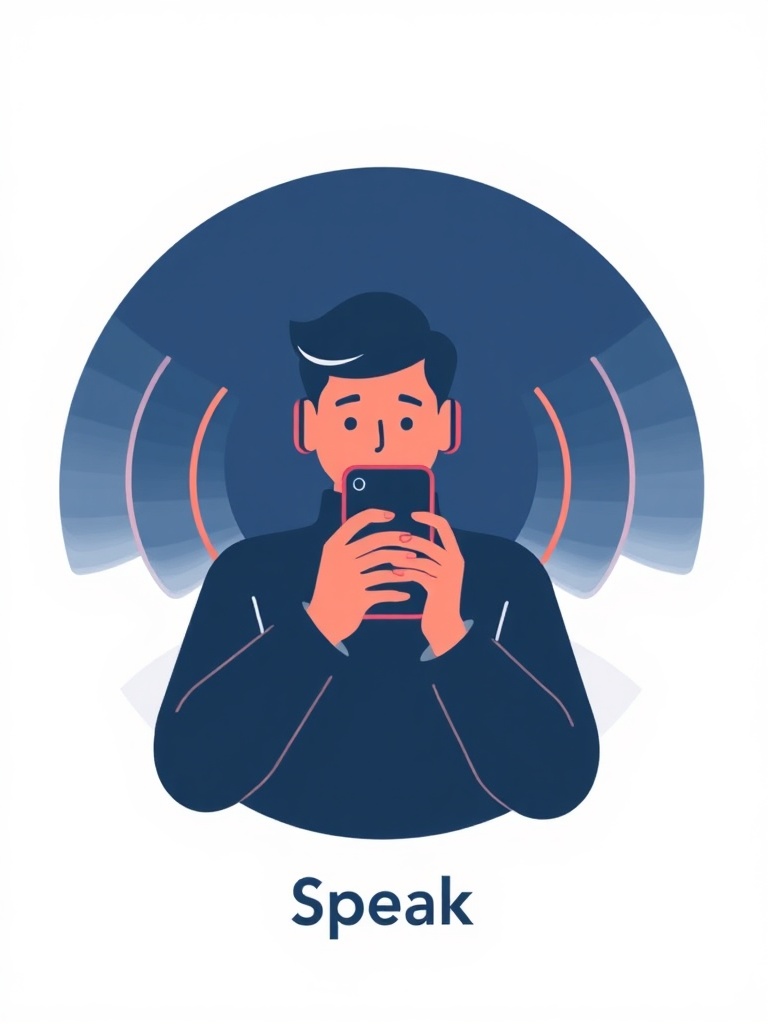
The guide starts the broadcast
Open the app, choose your tour and turn on the microphone. Your phone becomes a broadcast server on the local network.
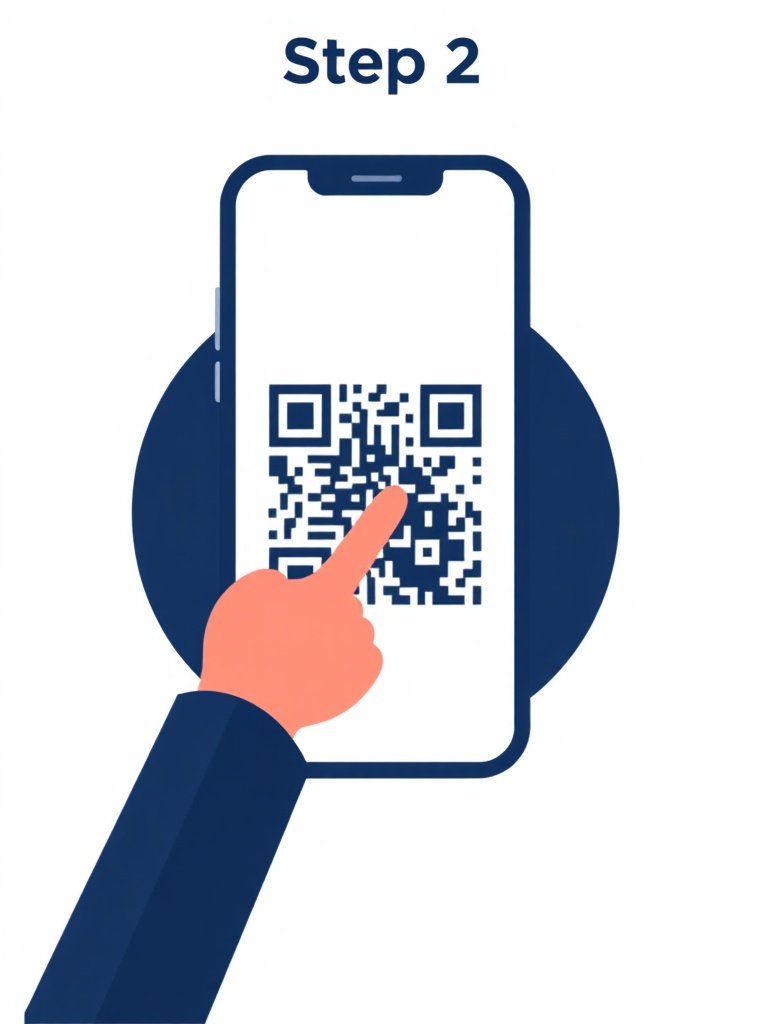
Participants scan the QR code
Everyone scans the QR code on the guide’s lanyard with their phone camera; it opens right in the browser.
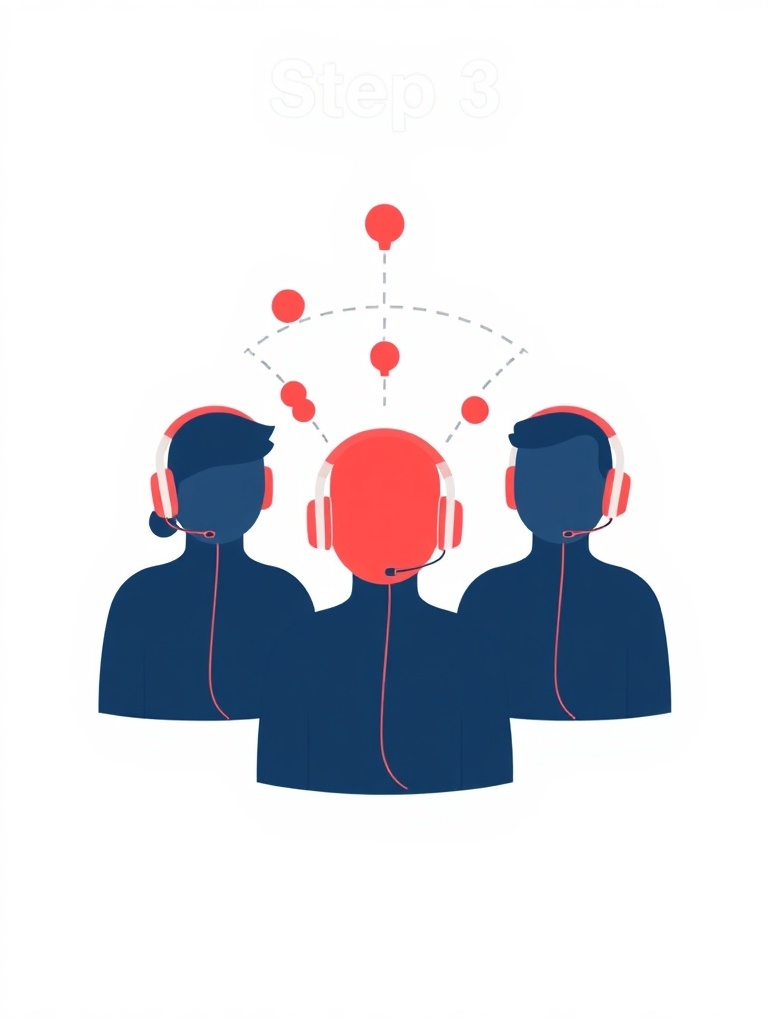
Enter a name and listen
No app to download, no account to create; just enter a name and start listening through your earphones.
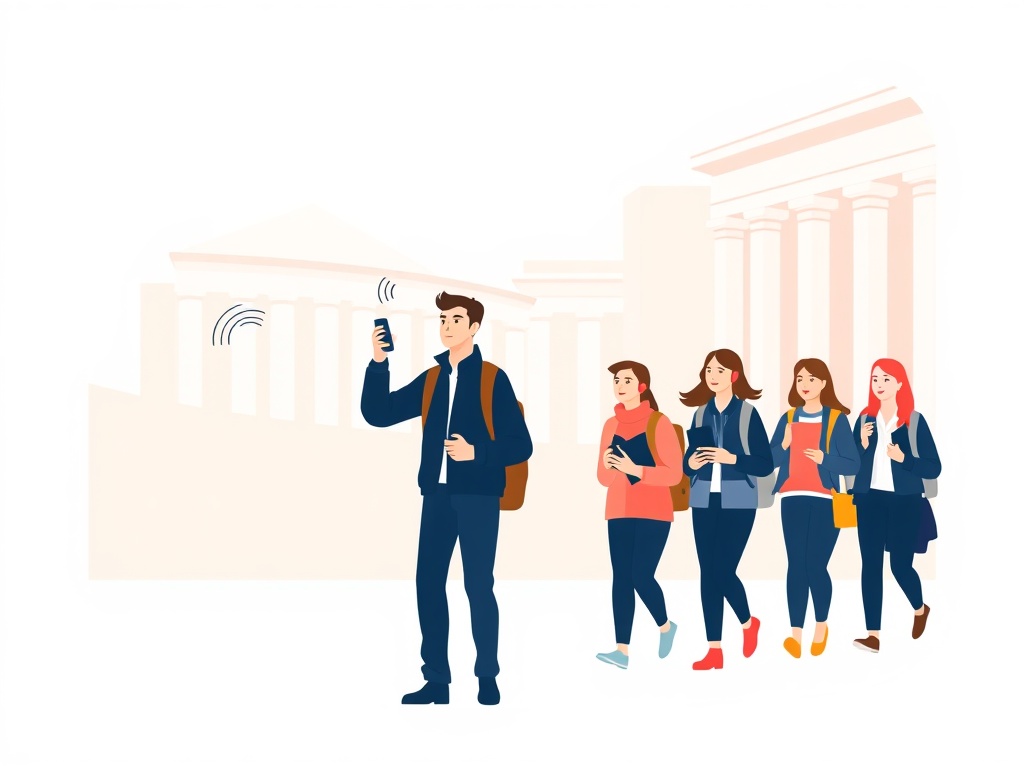
The guide pushes visuals
Push slides, photos and maps as you speak, turning your narration into a visual journey.


Everything a tour needs
Live audio, visual sync and participant interaction in a single app.
Live audio broadcasting
Low-latency, crystal-clear audio. A single voice reaches the whole group at once.
Slide and visual sync
Every slide you push appears instantly on all screens. Photos, maps and info cards.
Request to speak
A participant raises a hand, you see the queue and reply out loud. Silent yet interactive.
End-of-tour ratings
The moment a tour ends, participants leave a rating and comment; you track your stats from the dashboard.
Runs on a local network
Runs on the local network with a portable router. No data plans, coverage gaps or internet worries.
Automatic reconnection
If the signal weakens, the connection re-establishes itself; audio keeps running in the background without interruption.

Frictionless, familiar, on their own phone
Participants install nothing. The moment they scan, they are ready to listen.
- Zero setup
No app download, account or password. Scan the QR code, enter a name, listen.
- Their own device
The phone and earphones they know. They set the volume themselves.
- Uninterrupted in the background
Even if the screen locks or the phone goes in a pocket, the audio keeps playing.
- Multiple languages
The interface is in Turkish, English and Arabic, with right-to-left support.
Step one is installing the app
Everything above runs from the guide's phone, so that is the only device that needs the app. Your guests carry on scanning a QR code and listening in their browser.


Free to download · iPhone, iPad and Android · What the guide app does


Run your next tour with Your Next Tours
Create a free account and start broadcasting from your own phone in minutes. Request a demo for your company.